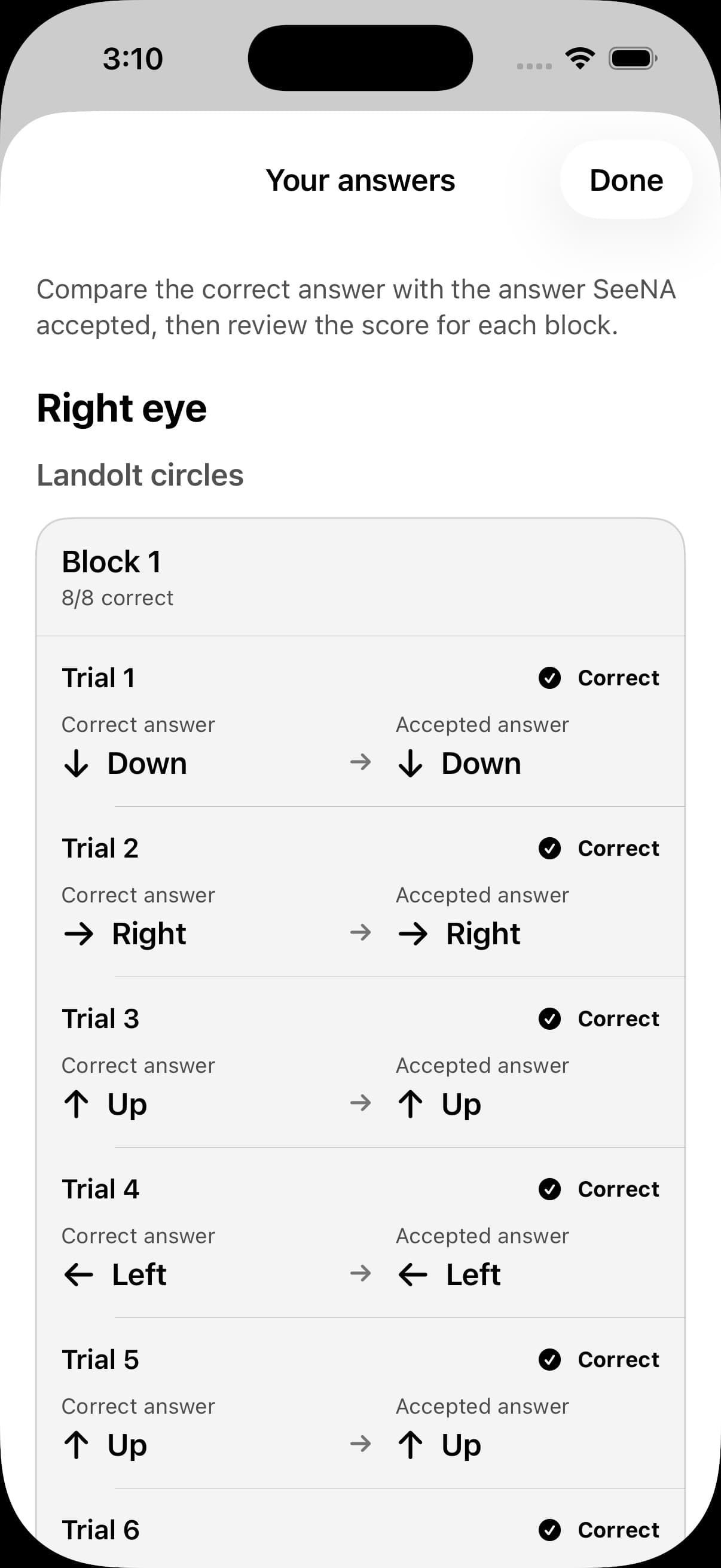
Wait for one answer
Each large target remains until an accepted response, so the user controls the pace.
Case study · Applied AI
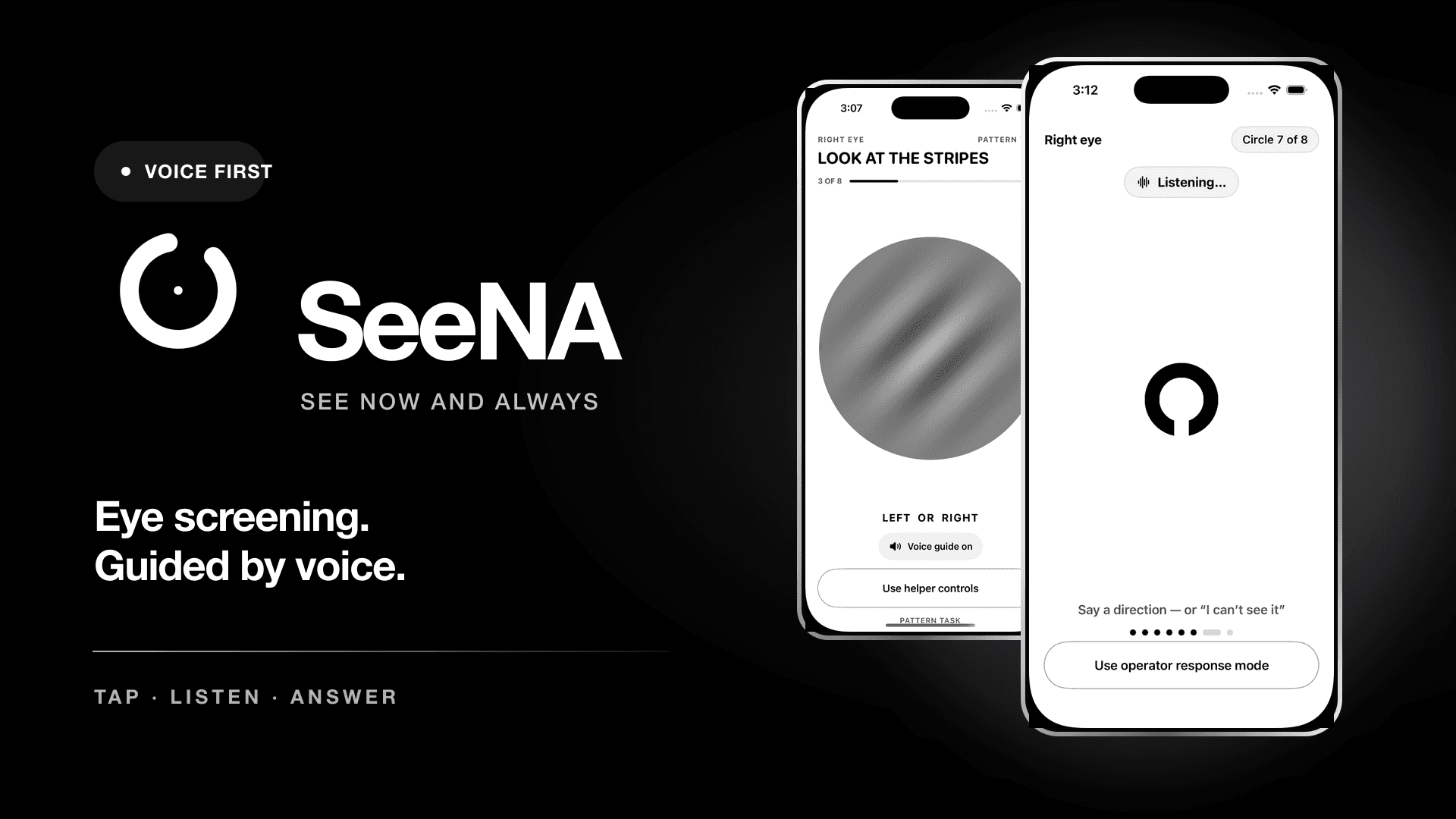
A voice-guided iPhone prototype that helps a person complete qualitative vision tasks, with local scoring and a clear review of every answer.
The brief
Small instructions and conventional eye charts can make a first vision task difficult to complete alone, particularly when sight or access to help is limited.
SeeNA guides positioning by voice, presents one target at a time, listens for an answer and lets the person review what was heard. The phone owns scoring; the language service has a bounded supporting role.
My role: I built SeeNA end to end as part of a four-person team for Syncs Hackathon 2026. Team: Karthik Ramesh, Kishore Srinivasan, Suryateja Challa and Sujan Ramesh.
What people do
The decision that shaped it
Language models can transcribe bounded answers and explain allowed facts, but cannot create or change a score.
How I built it
The architecture follows the product decision. Each part has a job people can inspect.
SwiftUI flow, spoken prompts and haptic feedback
TrueDepth distance and Core Motion quality checks
Pixel-rendered Landolt C and Gabor targets
Deterministic local scoring and answer evidence
Bounded transcription and checked qualitative explanation
Per-eye task outcomes and a complete answer audit
Further choices
Each large target remains until an accepted response, so the user controls the pace.
Answer review exposes recognition mistakes instead of hiding them inside a final result.
Evidence and limits
SwiftUI · ARKit · Core Motion · Swift · TypeScript · OpenAI
The product in use